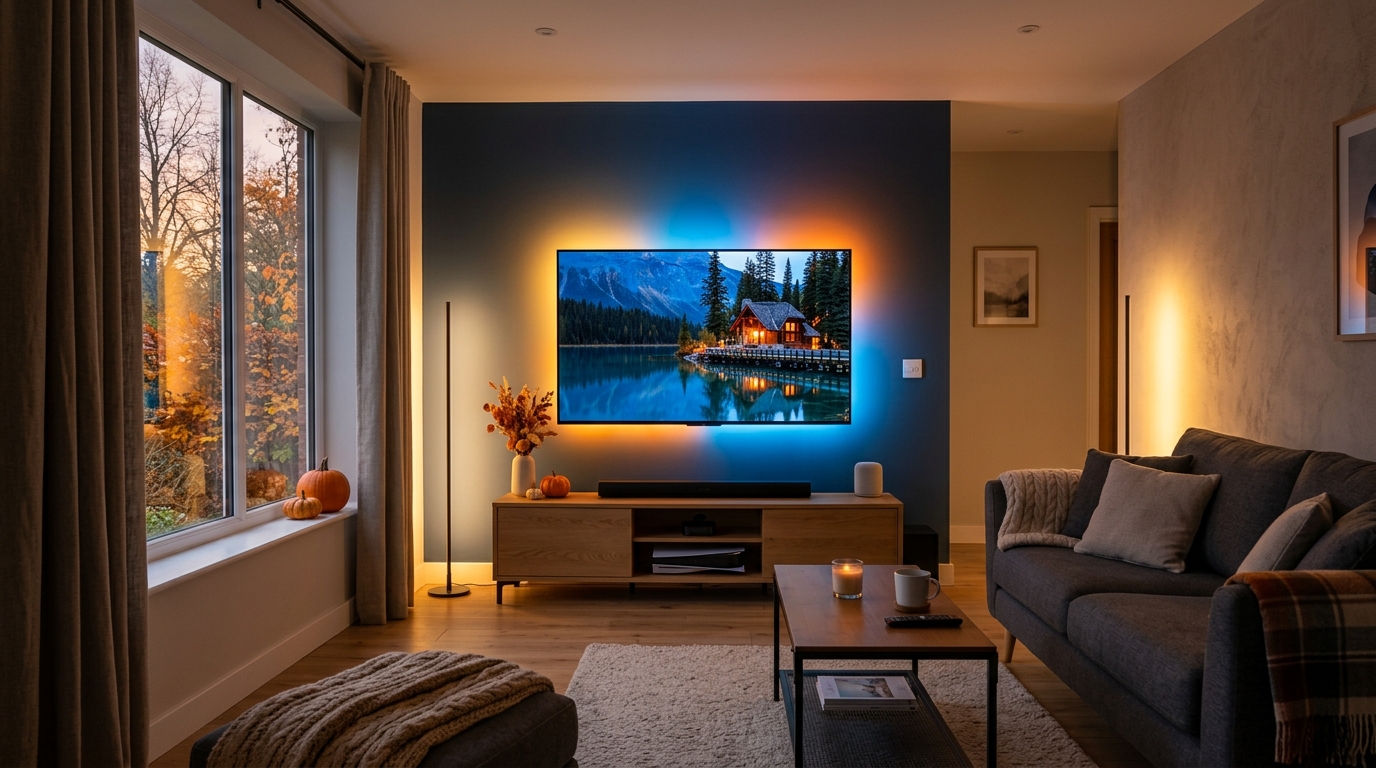
Apple's new HomeView puts a 7-inch screen, speaker, Siri AI and Apple Home controls in one tabletop or wall-mounted device. It is due to go on sale in the UK on 13 November for £299, so it is a timely option for an iPhone household considering a smarter kitchen counter, hallway or living room.
The useful question is not whether a screen with AI sounds impressive. It is whether your household will actually use a shared display for home controls, calls, music and camera views — and whether the Apple-only trade-offs suit the devices you already own.
What Apple HomeView Is Promising
Apple says HomeView combines a tilting 7-inch Liquid Retina display with a speaker base, FaceTime, music, camera viewing and hands-free Apple Home automations. It can recognise up to six household members and show a personalised Home Screen, while shared content such as photos and music remains available to guests.
Siri AI is the AI element, with conversational requests, music discovery and broader web knowledge. Apple says personal-context requests need a paired Apple Intelligence-enabled iPhone or iPad, and some server-side features have daily limits. Treat the most ambitious assistant features as features to test after launch, not a reason to replace a working hub today.
Should You Wait or Buy a Smart Display Now?
Wait for HomeView if your home is already centred on iPhone and Apple Home, you want a proper shared screen, and a 13 November delivery fits your timetable. At £299 it is not a budget voice speaker, but it could reduce friction for households that regularly check compatible cameras, run scenes or make video calls.
Buy now if you need an established display before then, your household relies on Alexa, or you want a lower-cost route into a visual smart-home hub. The existing Echo Show 8 on Amazon UK is worth comparing for its display, video calling and broad Alexa ecosystem. Check the live price, seller, delivery date and compatibility before ordering.
Do not buy HomeView merely because it has AI. Wait if your household uses Apple Home every day and a shared display would replace several taps; otherwise choose the ecosystem you already use well.
The Setup Checks That Matter
First, list the accessories you want on the screen. Apple says HomeView works with Apple Home and compatible Matter accessories, but a smart-home badge on a box is not a guarantee that every control or camera view behaves the same way. Check each device in Apple's Home compatibility information before buying a hub around it. If you are expanding lighting rather than replacing a hub, the Philips Hue Bridge on Amazon UK is one existing HomeKit and Matter-compatible option to compare; verify the current model, required bulbs and your setup before ordering.
Second, decide where it will live. A kitchen counter suits timers, recipes, music and quick calls; a hallway can make household status visible; a bedroom might make the always-on screen and microphone less appealing. The wall-mounted version needs one of Apple's purpose-built mounts, so include installation rather than considering only the £299 device price.
Finally, make an iPhone and account plan. Setup and multi-user support require a compatible iPhone or iPad on current software. Family members who do not use Apple devices can still share a room, but should not be assumed to receive the same personalised experience.
Before ordering, check:
- Home platform: whether your lights, cameras, locks and thermostat already work in Apple Home or Matter.
- Household devices: who has a compatible iPhone or iPad for setup and the personal features you want.
- Display job: one repeated task this screen will genuinely make quicker than a phone.
- Location: power, sightlines, and whether a shared camera/microphone device feels appropriate there.
Privacy Is a Buying Decision, Not a Footnote
HomeView's personalisation includes face recognition, and Apple says camera and smart-home information in Apple Home is end-to-end encrypted. Those statements describe Apple's design, not a substitute for making a household decision. Explain the device to guests and family members, review who has Home access, and do not place a camera-enabled product where people reasonably expect privacy.
Apple's newly announced Home Collection camera features also depend on compatible hardware and, for some video features, an eligible iCloud+ plan. The HomeView itself does not turn an unsupported camera into an Apple Home camera, and a subscription can still be part of the overall setup cost.
Final Verdict: Wait If Apple Home Is Already Your Habit
HomeView is a more interesting launch than another voice speaker because it brings Apple's newer Siri AI and a shared screen to practical smart-home actions. But its value is highly ecosystem-dependent: it makes most sense for an iPhone household with compatible Apple Home accessories and a clear place to put it.
Wait for the November launch if that sounds like your home and you can assess the final software in person. Choose an existing alternative if you need a display now, use Alexa more than Apple Home, or cannot name the repeated task it will improve. The AI should be a useful layer on a solid home setup — never the entire reason for the purchase.
Product details, UK availability and stated features checked 25 October 2026. Availability, software, subscriptions and regional support can change. See Apple's HomeView announcement, Apple Home Collection announcement and HomePod mini announcement for current information.
Compare More Useful AI Gadgets
Browse our curated catalogue of practical AI devices available to UK buyers.
Browse the Gadgets →